HifiMule

HifiMule
Play your self-hosted music library and sync it to any portable player.
HifiMule is a desktop application for Windows, macOS, and Linux that lets you play music from a self-hosted media server and sync it to a portable player — including MTP devices, DAPs, iPods running Rockbox, and USB mass-storage players.
Connect to your server to browse and play your library, or pick what you want to take with you. HifiMule computes what’s changed, downloads only the new files, and resumes where it left off if interrupted.
Supported media servers
Supported devices
HifiMule supports players connected through Media Transfer Protocol (MTP) as well as devices that appear as USB drives, including:
- Digital audio players (DAPs)
- MTP phones and portable players
- Garmin smartwatches
- iPods running Rockbox
- USB sticks and SD card readers
- Generic MP3 players
Features
- Browse your library — Navigate artists, albums, and collections directly from HifiMule
- Desktop playback — Play tracks or complete albums with pause, resume, stop, Back, Next, and seek where supported
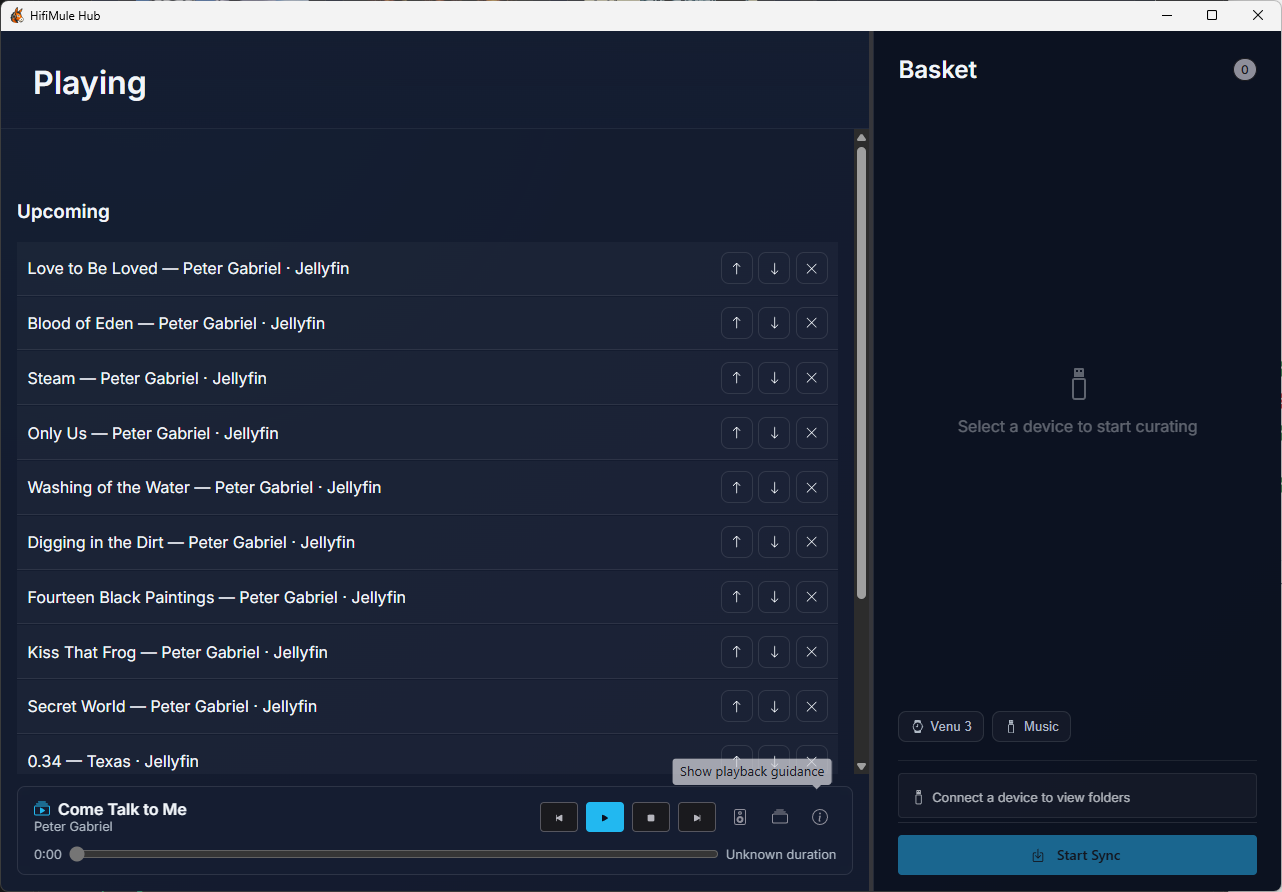
- Queue and previews — Add, reorder, or remove upcoming tracks, and preview a track without losing your main listening session
- Background listening — Keep listening after the window closes, use supported operating-system media controls, and quit explicitly when you’re finished
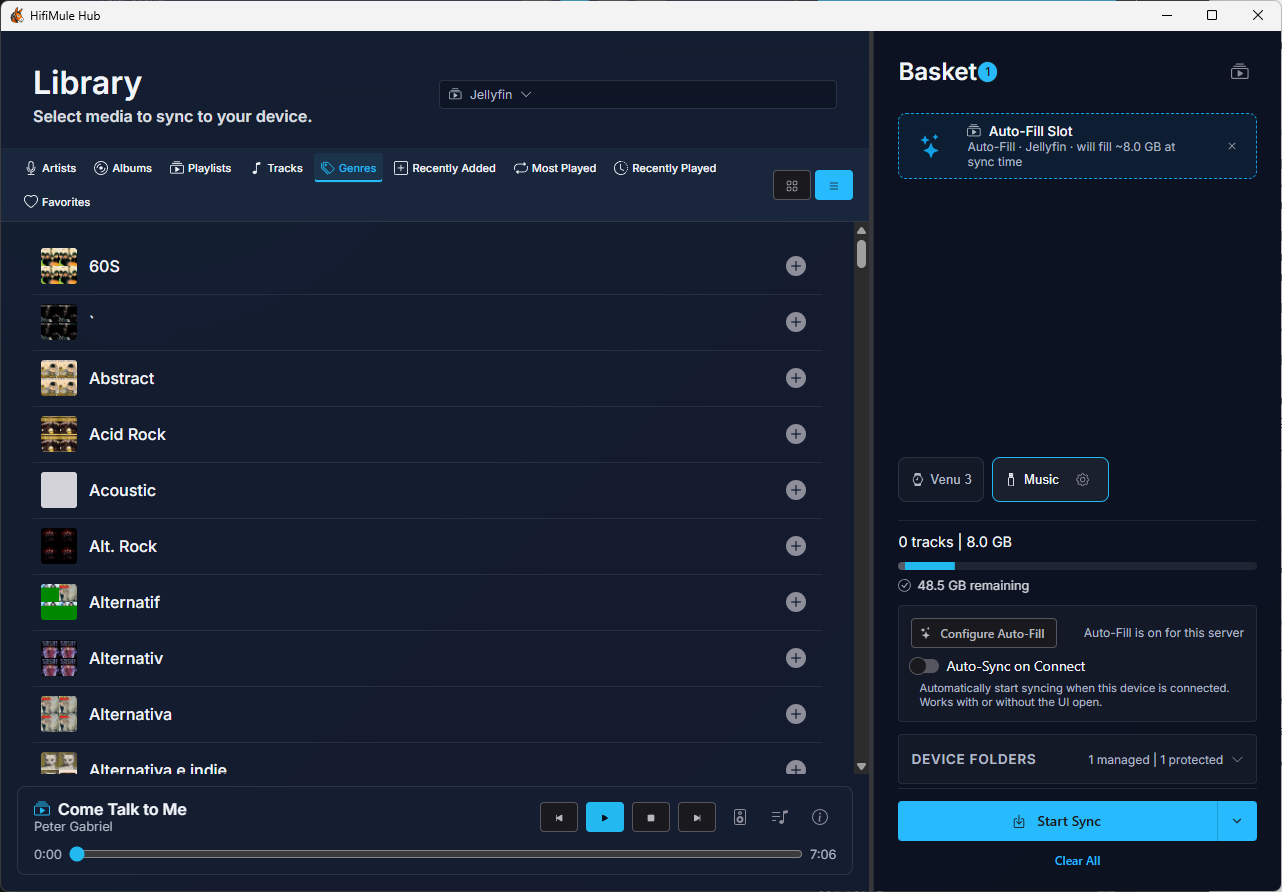
- Selective sync — Choose exactly what goes on your device, nothing more
- Delta transfers — Only files that aren’t already on your device are downloaded
- Resumable — If a sync is interrupted, it picks up exactly where it left off
- Scrobble bridge — Reads Rockbox playback logs and reports your listening history back to your server
- Runs in the background — A system tray icon keeps HifiMule available without getting in your way
Screenshots
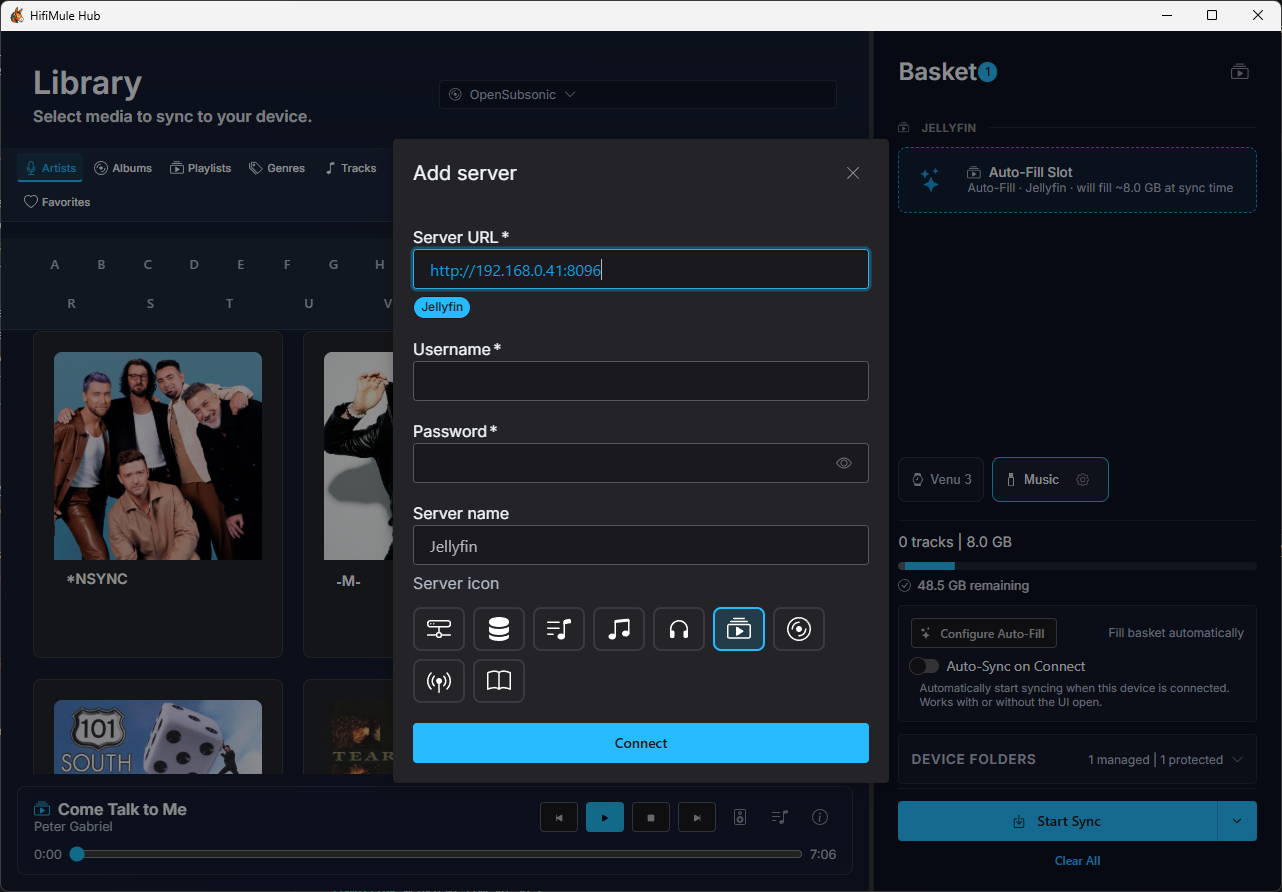
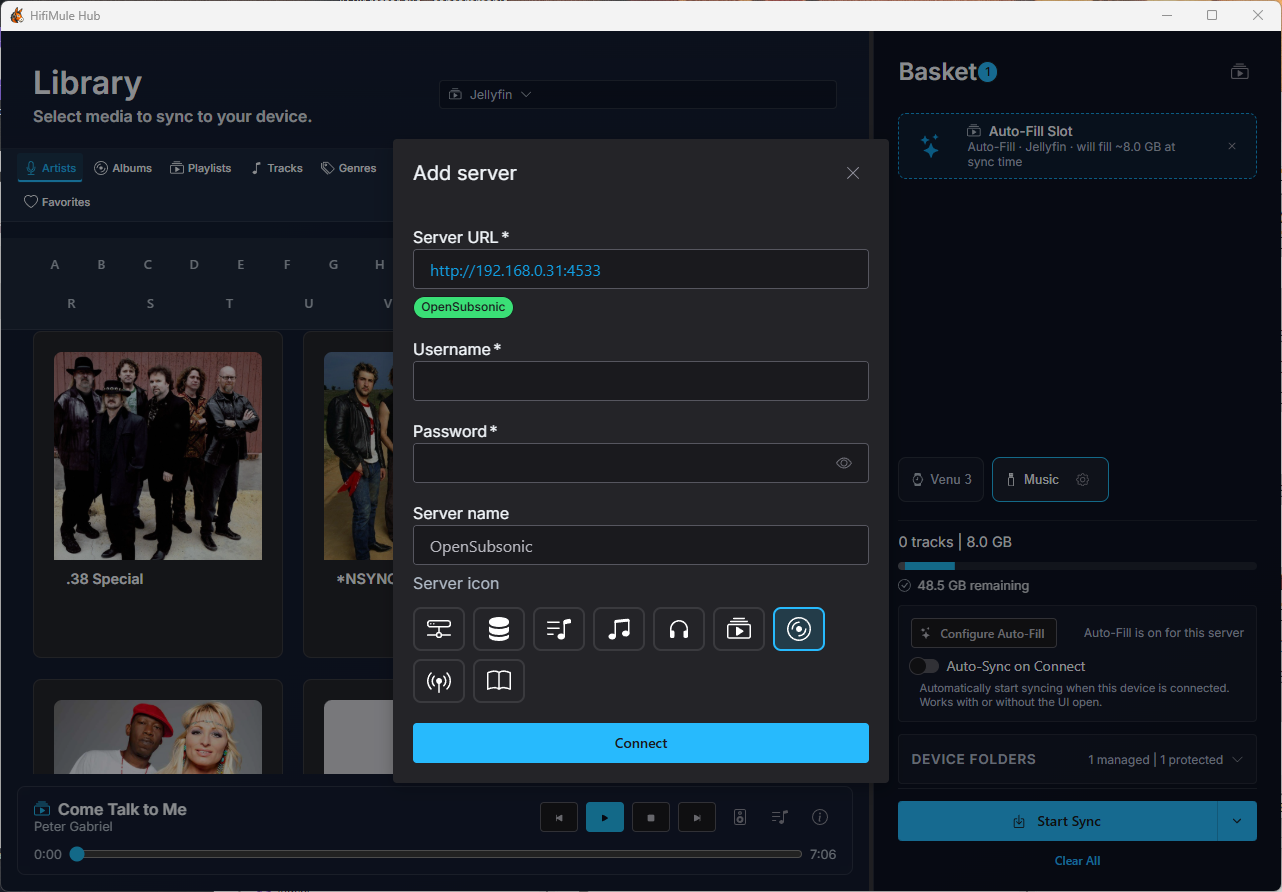
Connect to your media server
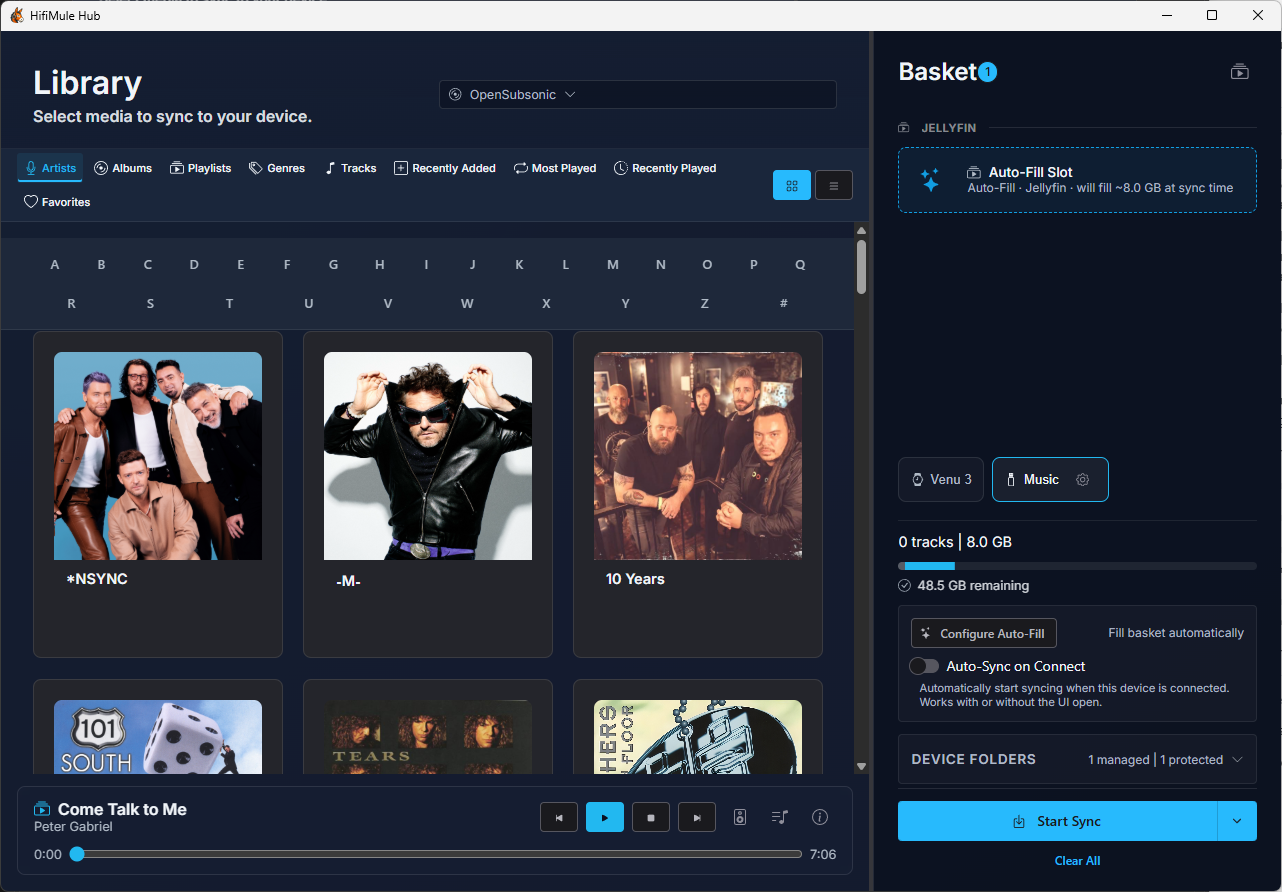
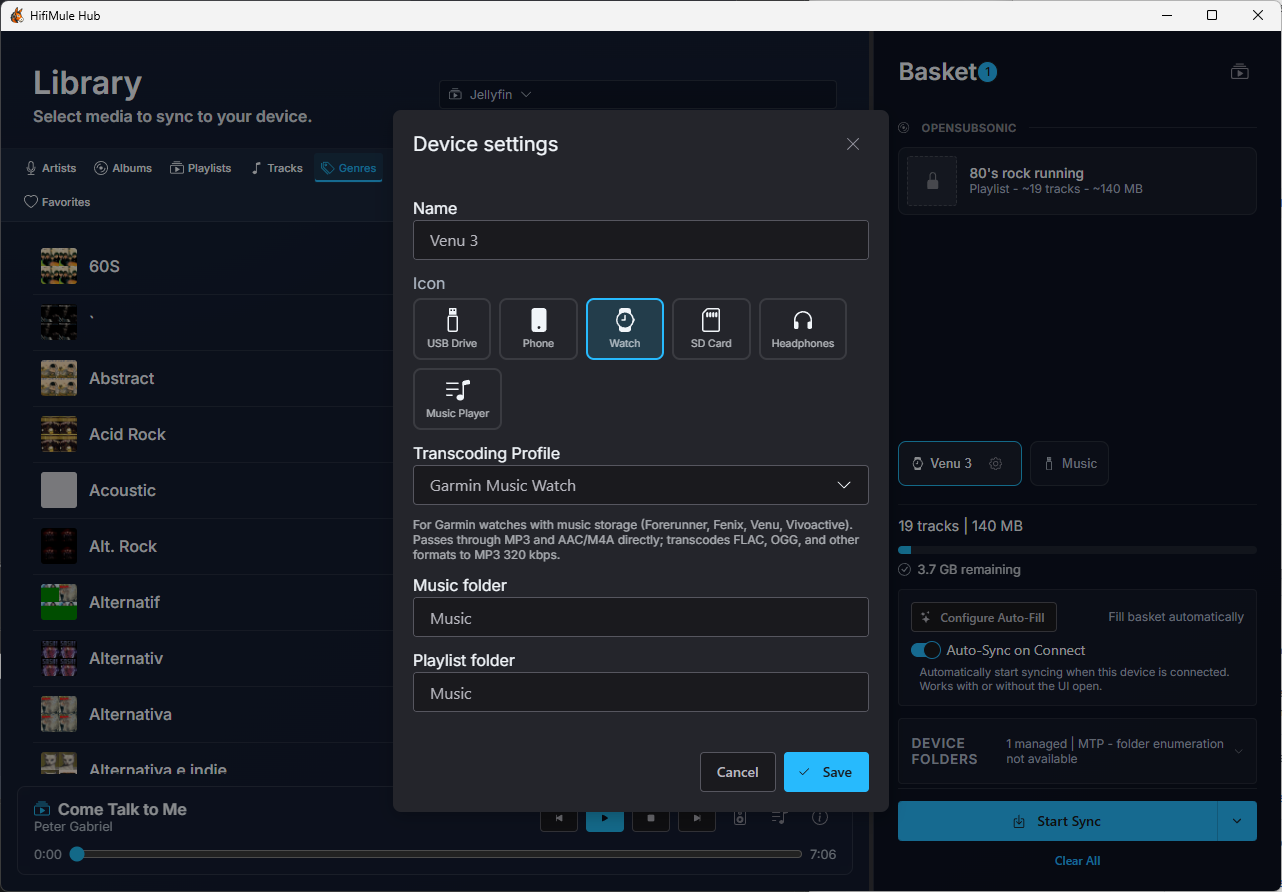
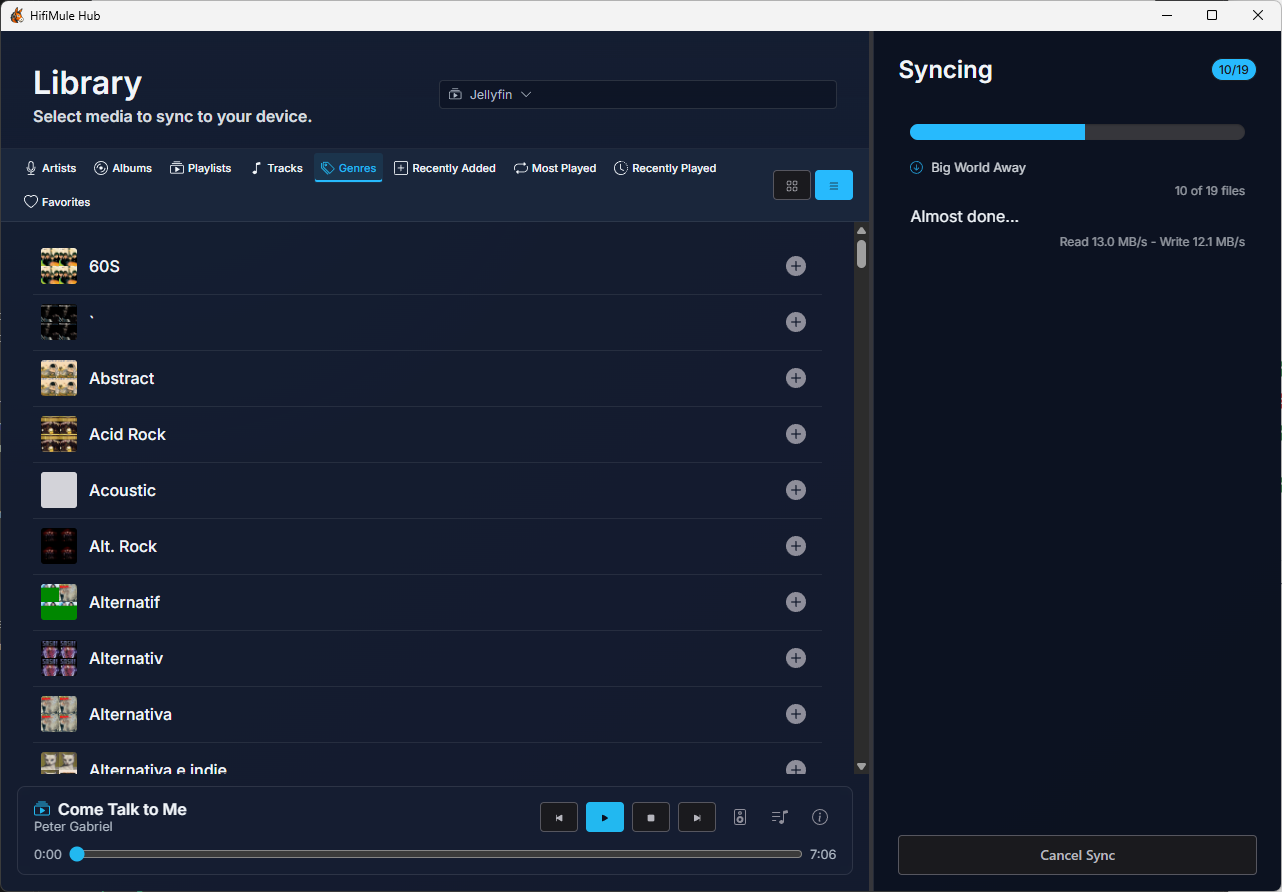
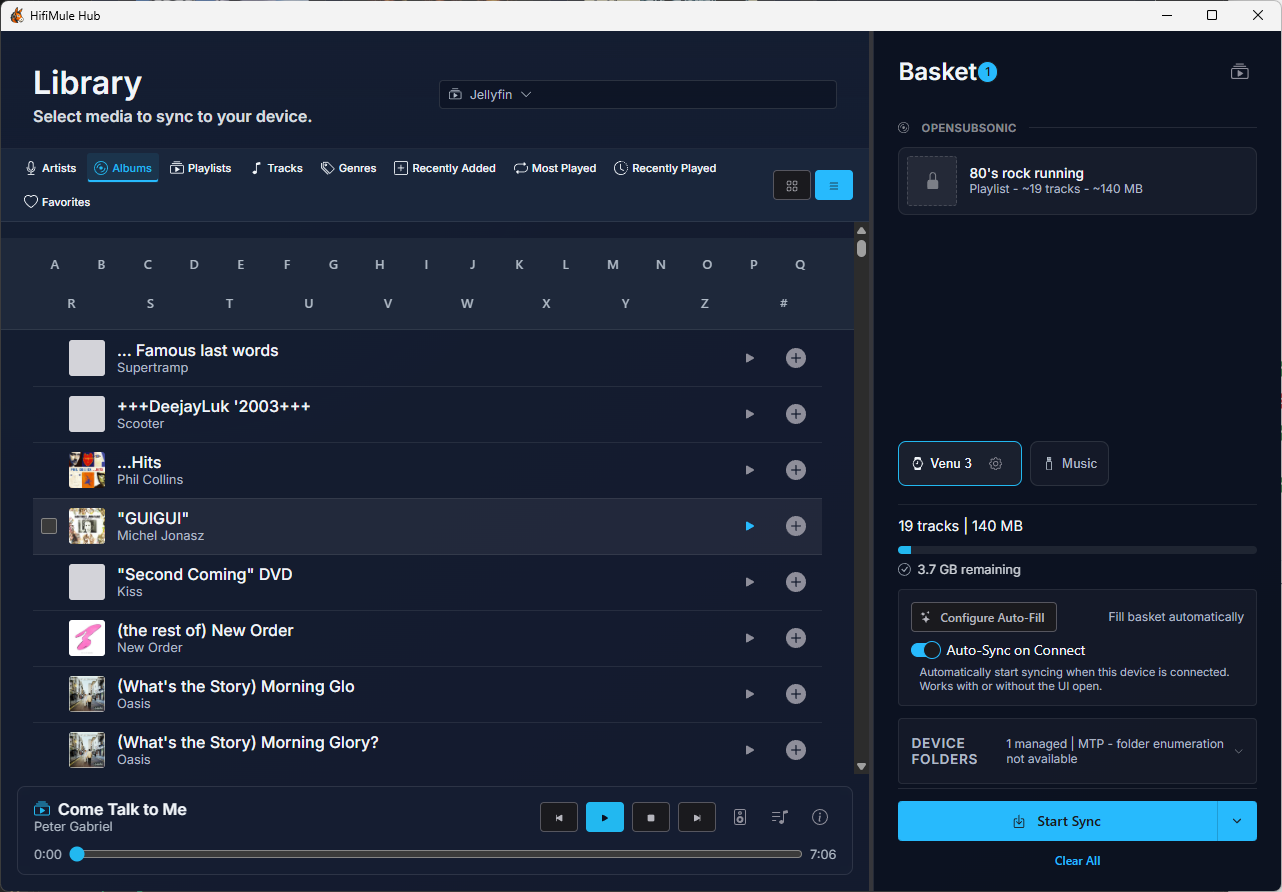
Browse, configure, and sync
Play music and manage your queue
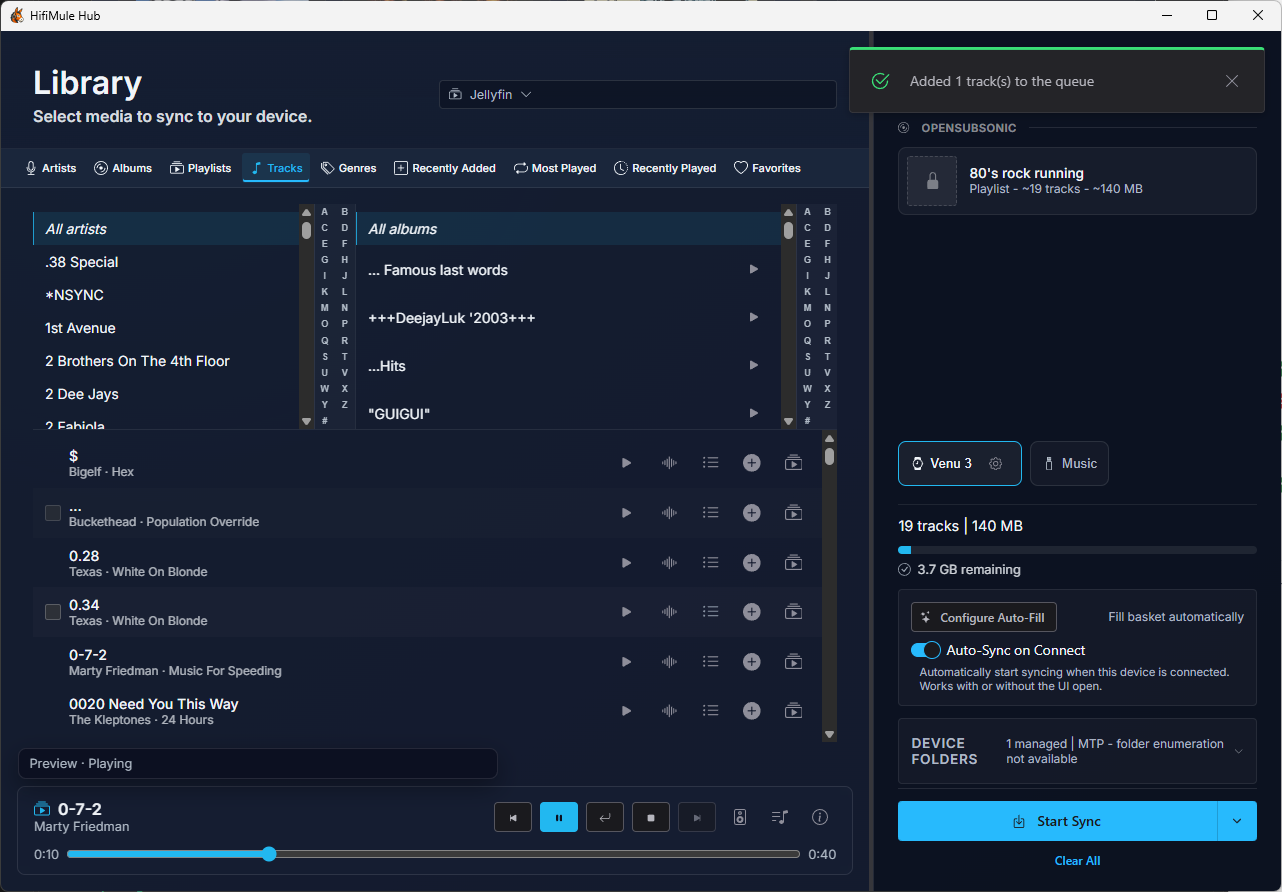
Start a track or a complete album from your library. The playback bar stays available while you browse, with transport controls, audio-output selection, and a seekable timeline when the source and format support it.
Preview a full track without replacing the album or queue you were already listening to, then return to your preserved session.
Open the Playing view to reorder or remove upcoming tracks.
Installation
Download the latest installer for your platform from the Releases page:
| Platform | File |
|---|---|
| Windows | .msi or .exe installer |
| macOS | .dmg image |
| Linux | .AppImage or .deb package |
Run the installer, launch HifiMule from your applications, and follow the setup to connect your media server.
Getting started
- Open HifiMule from your applications or system tray
- Connect — Enter your server address and credentials
- Browse — Navigate your music library
- Listen — Play a track or album, add more music to the queue, or preview another track
- Sync when you’re ready — Add music to the basket, plug in your portable player, and start the sync. HifiMule downloads only what’s missing and skips the rest
License
HifiMule is open source. See the repository for details.